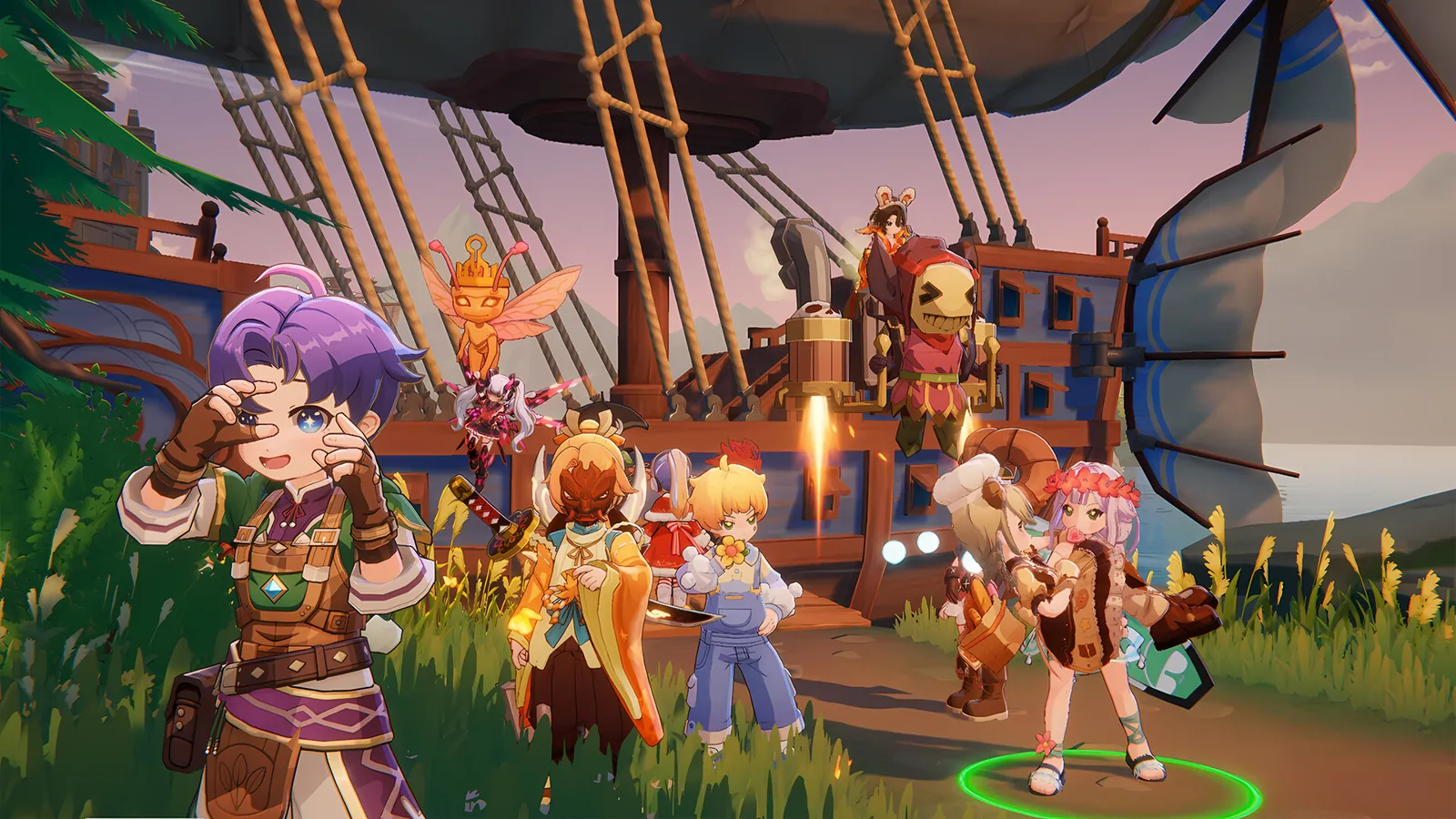
How it plays
Progress while offline
Your hero keeps gathering resources while you sleep or work.
PC, phone and tablet
Switch any time. Your progress stays synced.
No wrong class
Free stat and skill resets. Change jobs any time.
Refine without fear
No level loss on failure. Push to +15 safely.
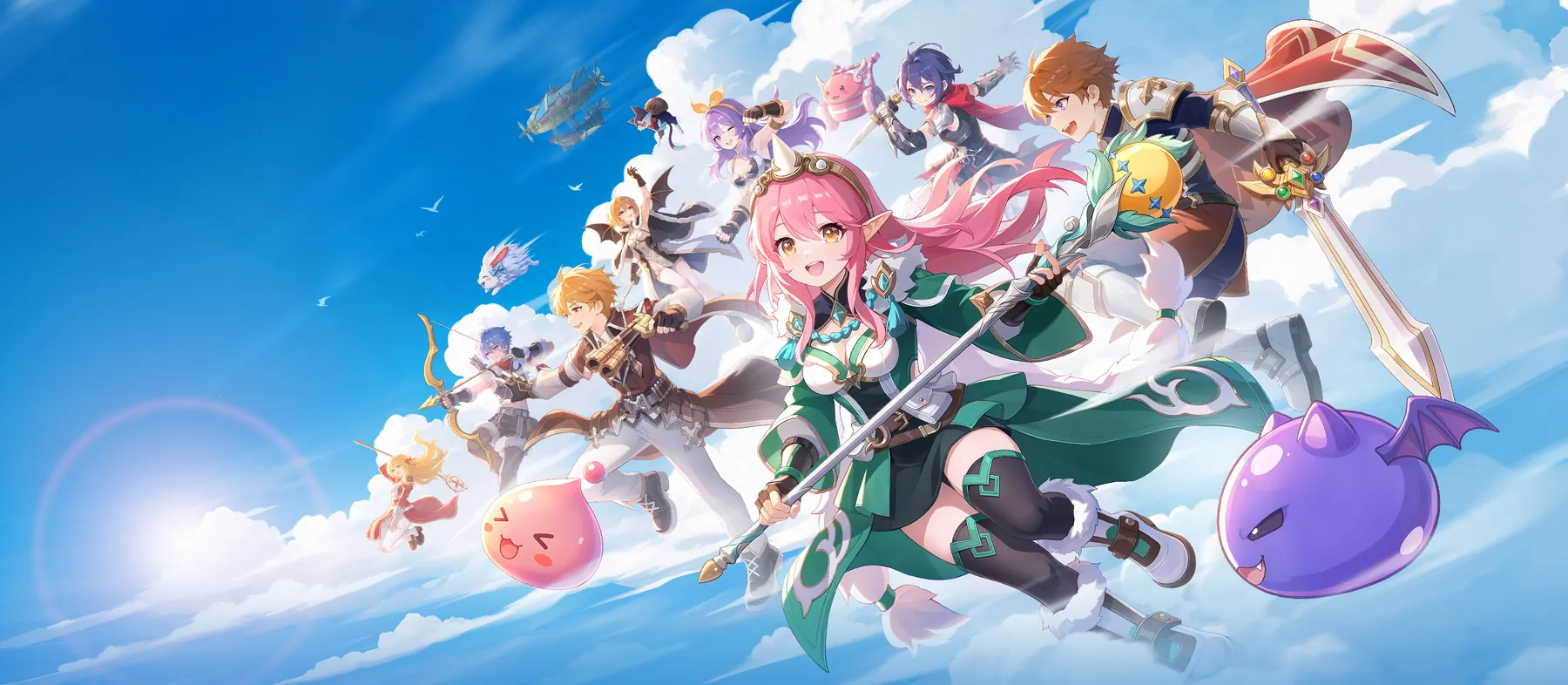
Pick your class
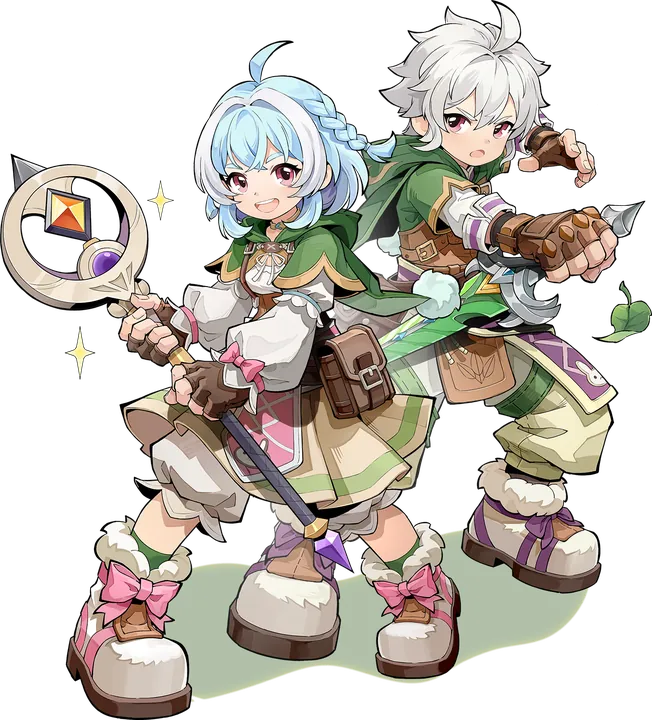
Shapeshifter
Druid
Werewolf · Wereraptor · nature magic
Shift into a Werewolf or Wereraptor for close combat, or cast water, wind and earth spells from mid-range.
Hometown
Free skill resets and job changes, so you can try them all with one character.
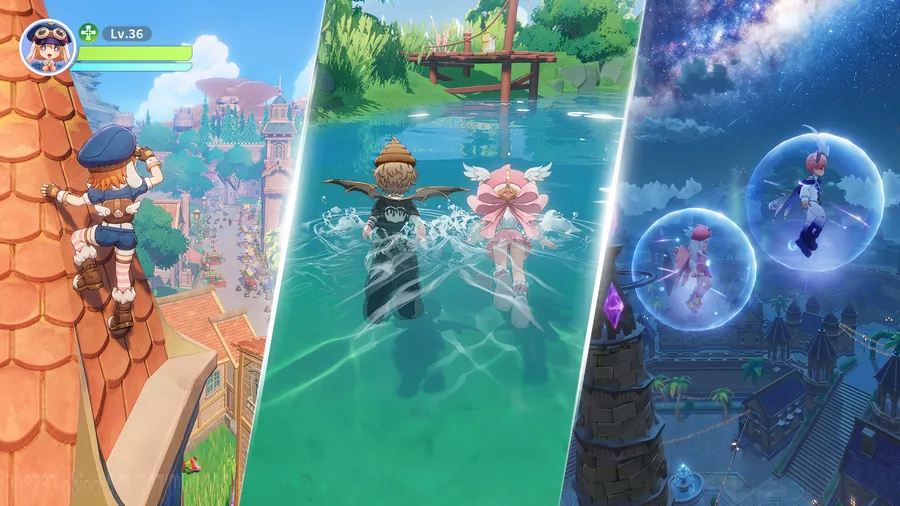
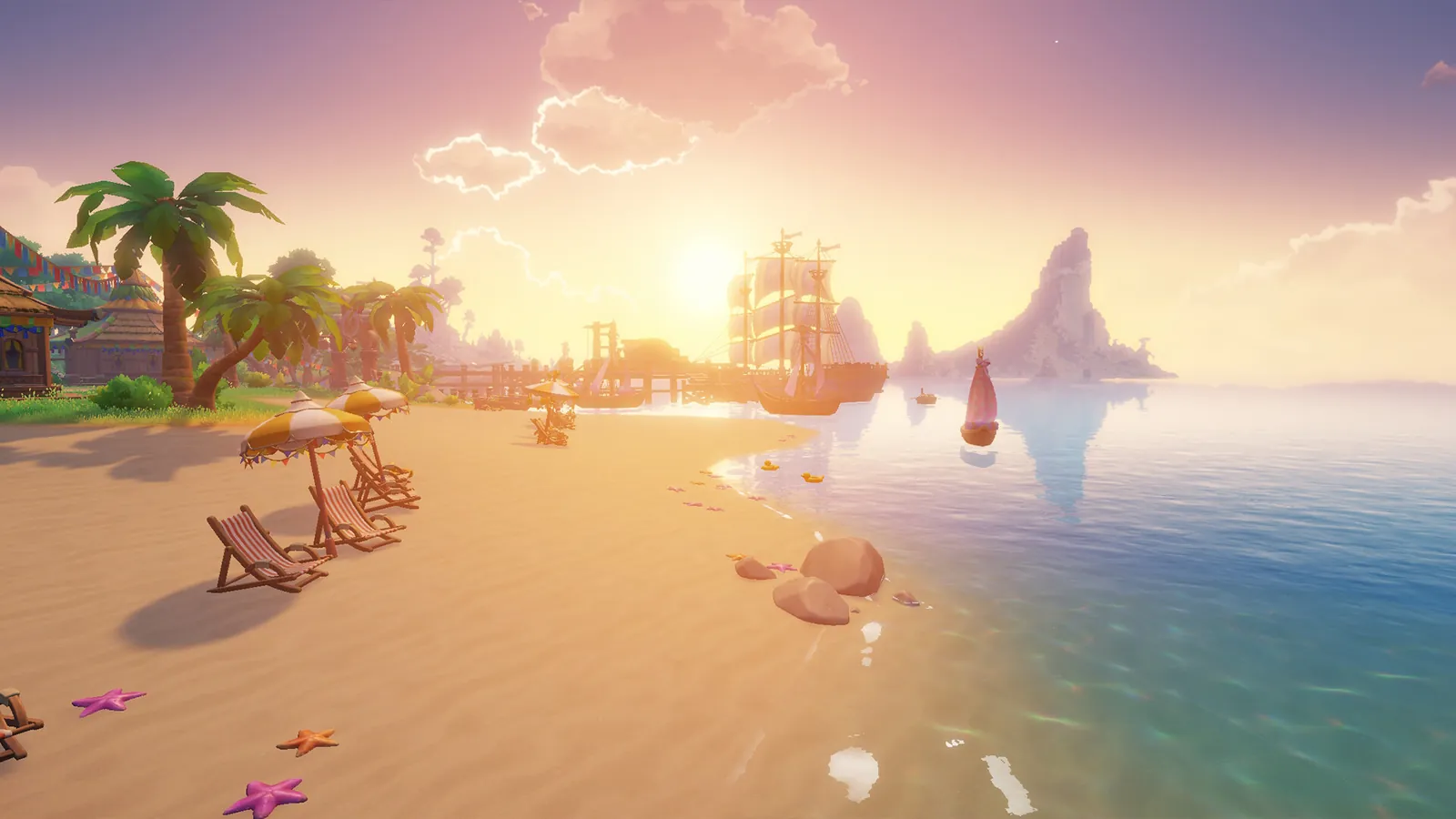
Explore an open Midgard
- Climb, swim and fly across a seamless open world.
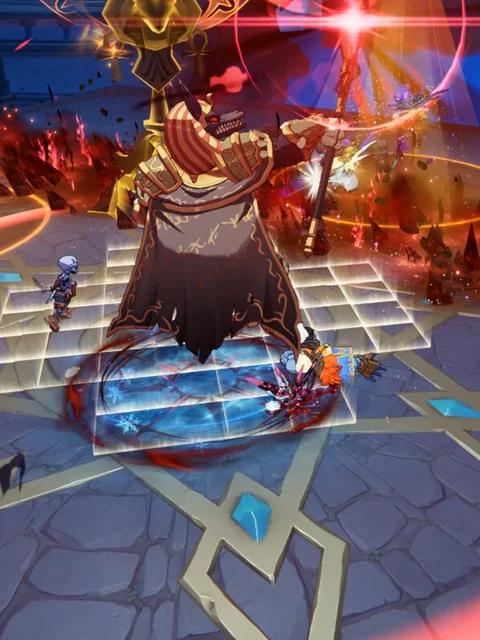
- Defeat MVPs and turn them into your own mount.
- Find hidden chests and random encounters.
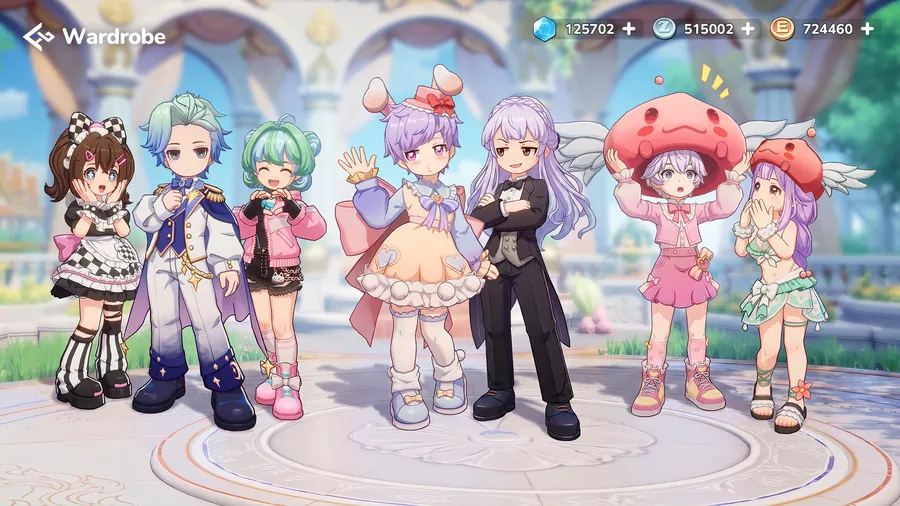
Dress your way
- More than 100 looks to switch between.
- Dye fabrics and style hair to make your own set.
- Be a Knight today and a Bard tomorrow.
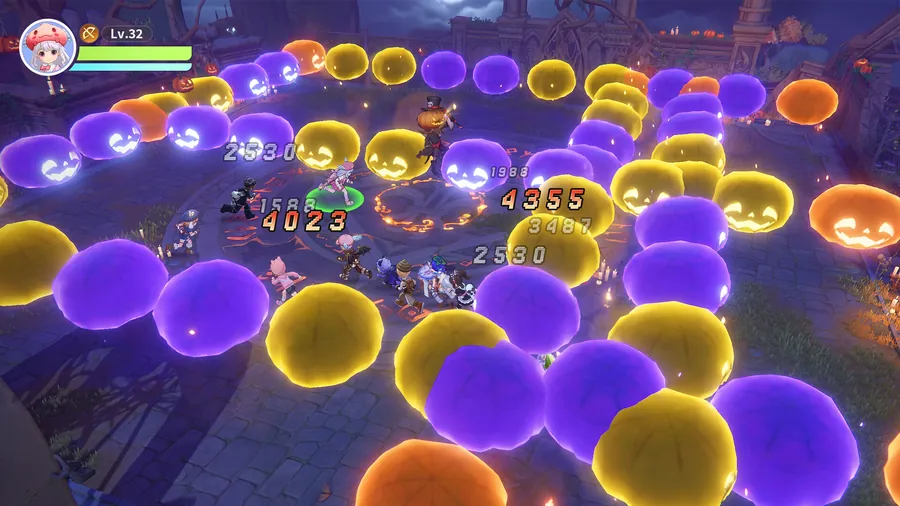
Party up
- Team up with tanks, healers and damage dealers.
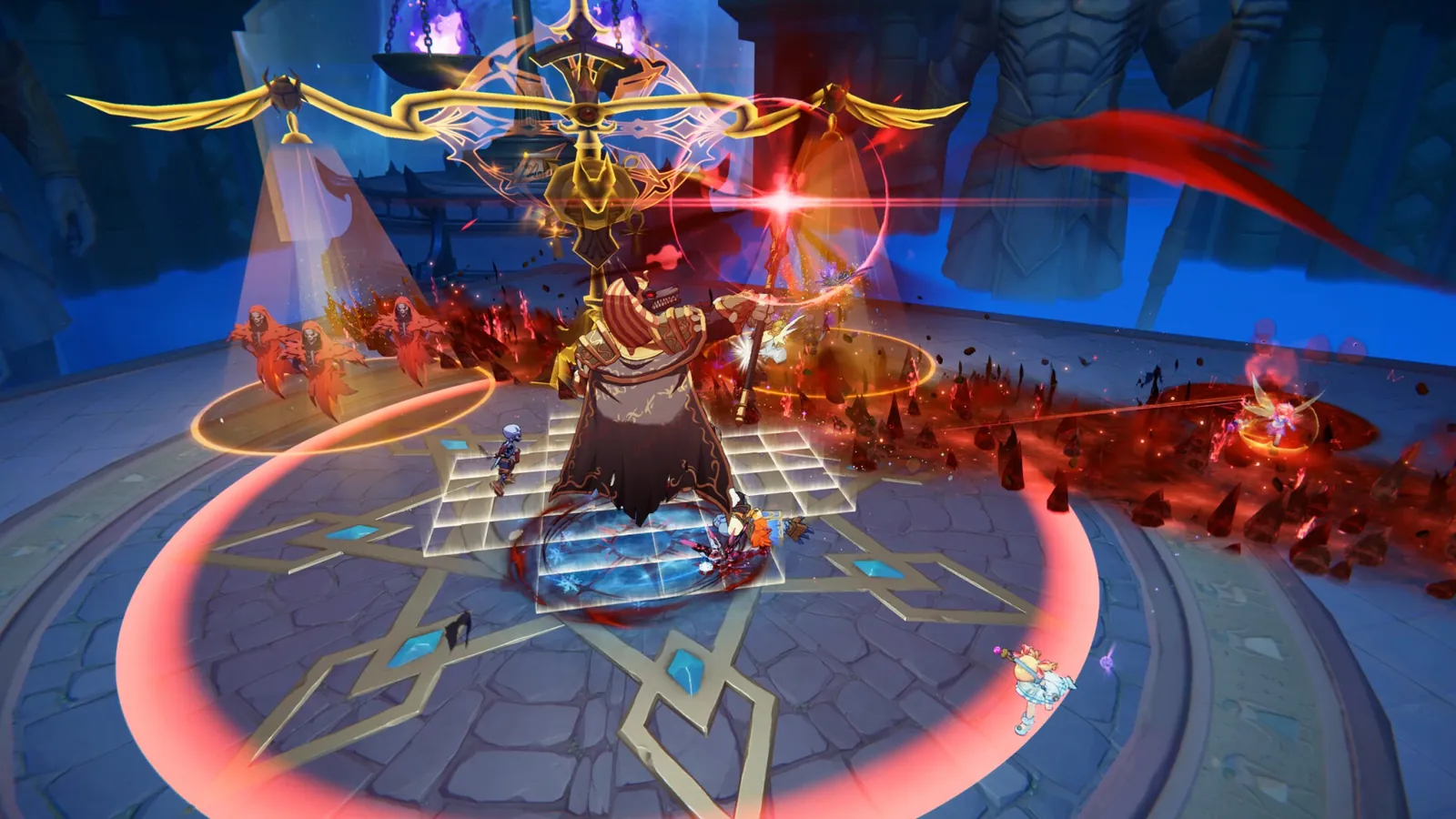
- Rally your guild to take down the hardest bosses together.
- Trade and auction your loot with other players.
From click to your first login
Get it on Steam
Click Play free on Steam, then Play Game. The download is about 30 GB.
Create your free Gravity account
The game launcher asks for a Gravity account. It is free and takes a minute.
Pick a server and log in
Choose a server, create your hero and you are in.
Frequently asked questions
Is Ragnarok: The New World free?
Yes. It is free to download and play, with optional in-game purchases.
Will it run on my PC?
The Steam page lists 12 GB RAM minimum (16 GB recommended), 30 GB of free space and a broadband connection. The Steam version is for Windows.
Where are the servers?
The current servers serve Southeast Asia, including the Philippines, Malaysia, Singapore, Thailand and Indonesia.
Why do I need a Gravity account?
The game launcher uses a Gravity account to save your characters. You create it for free the first time you start the game.
Is there auto-battle?
Yes. Auto-battle frees up your hands, and offline rewards keep adding up while you are away.
Which languages does it support?
The Steam version supports English, Indonesian, Thai and Simplified Chinese, all with full audio.
Can I also play on my phone?
Yes. The game is also on Android and iOS, and your progress syncs between devices.
Your first MVP is waiting
Install on Steam, create your free Gravity account in the launcher, and log in.
Play free on SteamThe Steam version runs on Windows PC. Copy the link and open it on your computer.