
Disclosure: GAMENYX’s operator has a paid performance-marketing (CPI) offer for Opera GX through AfBooster. The download button and banners on this page are affiliate links: if you install and use Opera GX through them, GAMENYX may earn a commission at no extra cost to you. That relationship did not decide what’s below. See our Affiliate Disclosure.
Opera GX sells itself as “the browser for gamers.” Under the red-and-black styling, its real selling point is one panel, GX Control, that lets you put limits on how much of your PC the browser is allowed to use. Here’s what that panel does, what the rest of the browser adds, and the limits you should know about before you switch.
What GX Control limits
According to Opera’s own GX Control page, the panel has four parts:
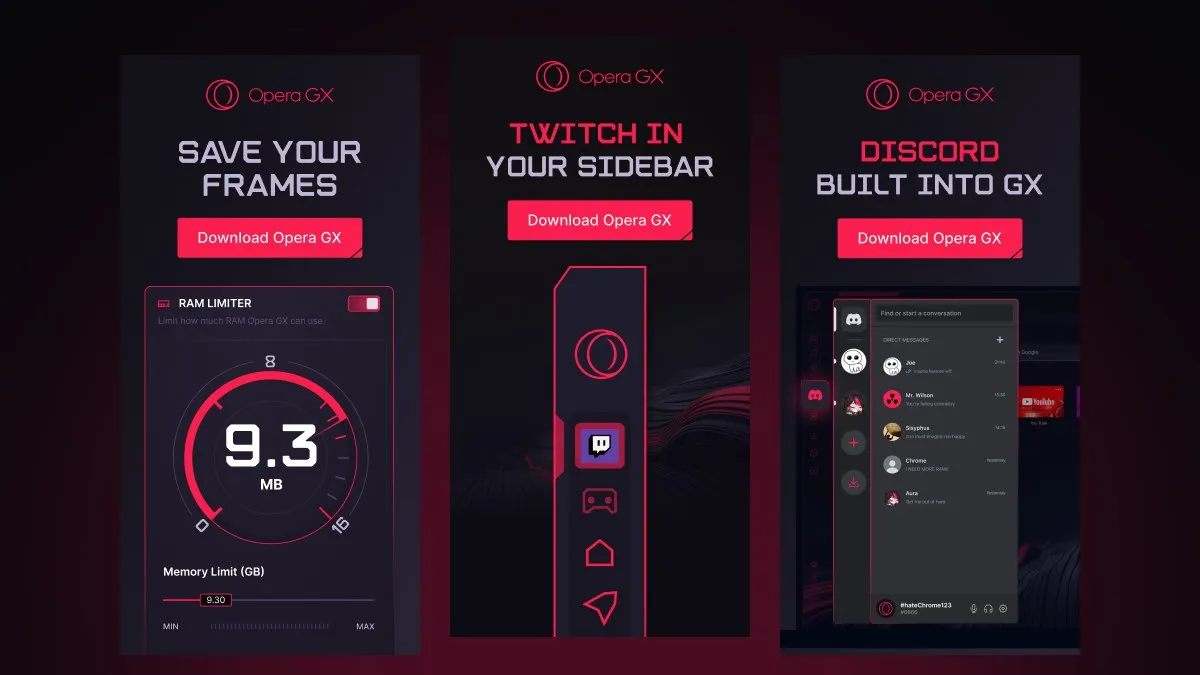
- RAM limiter: set a hard cap, or fine-tune how much memory the browser can use. With a hard limit, inactive tabs are removed from memory once the cap is reached.
- CPU limiter: throttles background tabs so they use less processing power.
- Network limiter: caps how much bandwidth the browser uses, so a download in a tab doesn’t fight your game for your connection.
- Hot Tabs Killer: shows which tabs are using the most resources and closes them in one click.
You open GX Control from the speedometer icon in the sidebar.
What it doesn’t do
This is the part the marketing skips. GX Control limits the browser, not your PC. As MacMyths’ review puts it, it manages Opera GX’s own resource use and doesn’t add processing power, so it can’t make an underpowered CPU or GPU run your game better.
It also has a trade-off: caps that are too aggressive can make browsing, downloads and video playback less responsive. The benefit is real but narrow. It matters most if you keep a browser open while you play or stream, for guides, a stream or a video on a second screen. If your FPS problem comes from the game itself, start with our guide to smooth PC gaming without chasing ultra settings instead.
The rest of the browser
Beyond GX Control, Opera GX includes:
- A sidebar with Twitch (followed channels and live notifications), Discord, and messengers such as WhatsApp, Telegram and Facebook Messenger.
- GX Corner: game news, a release calendar, and links to free games and deals.
- A built-in ad blocker, plus tracker blocking.
- A built-in VPN that is optional and off by default.
- Themes and mods: custom colour schemes, plus a large mod library for themes, sounds and visual effects.
Platforms and price
Opera GX is a free download. It launched in 2019 and Opera reports more than 34 million users. It runs on Windows and macOS, came to Linux in March 2026, and has mobile apps for iOS and Android. GX Control is a desktop feature.
Who should try it
Opera GX makes the most sense if you:
- keep a browser open while gaming or streaming on the same PC,
- want a hard cap on how much RAM your browser can take,
- want Twitch and Discord in the sidebar instead of extra windows.
If you close your browser before you play, the limiters won’t change much for you, and your current browser is probably fine.
Sources
Checked in October 2026:
- Opera GX (Opera: sidebar, GX Corner, ad blocker, VPN, themes, platforms)
- GX Control (Opera: RAM, CPU and network limiters, Hot Tabs Killer)
- Opera GX finally lands on Linux (PPC Land, March 2026: Linux launch, 34 million users, optional VPN, mods)
- How good is Opera GX? An honest review for gamers (MacMyths, August 2026: what GX Control can and can’t do)
- Opera GX is now available for Linux (GamingOnLinux, March 2026)