Bigger isn’t automatically better. A monitor that’s too large for your desk forces you to turn your head to check the minimap, makes text look soft if the resolution is too low for the size, and can turn fast games into work. A monitor that’s too small wastes the resolution you paid for. The right size comes from three things you can check before buying: your desk, your resolution and the games you play.
Start with your desk, not the spec sheet
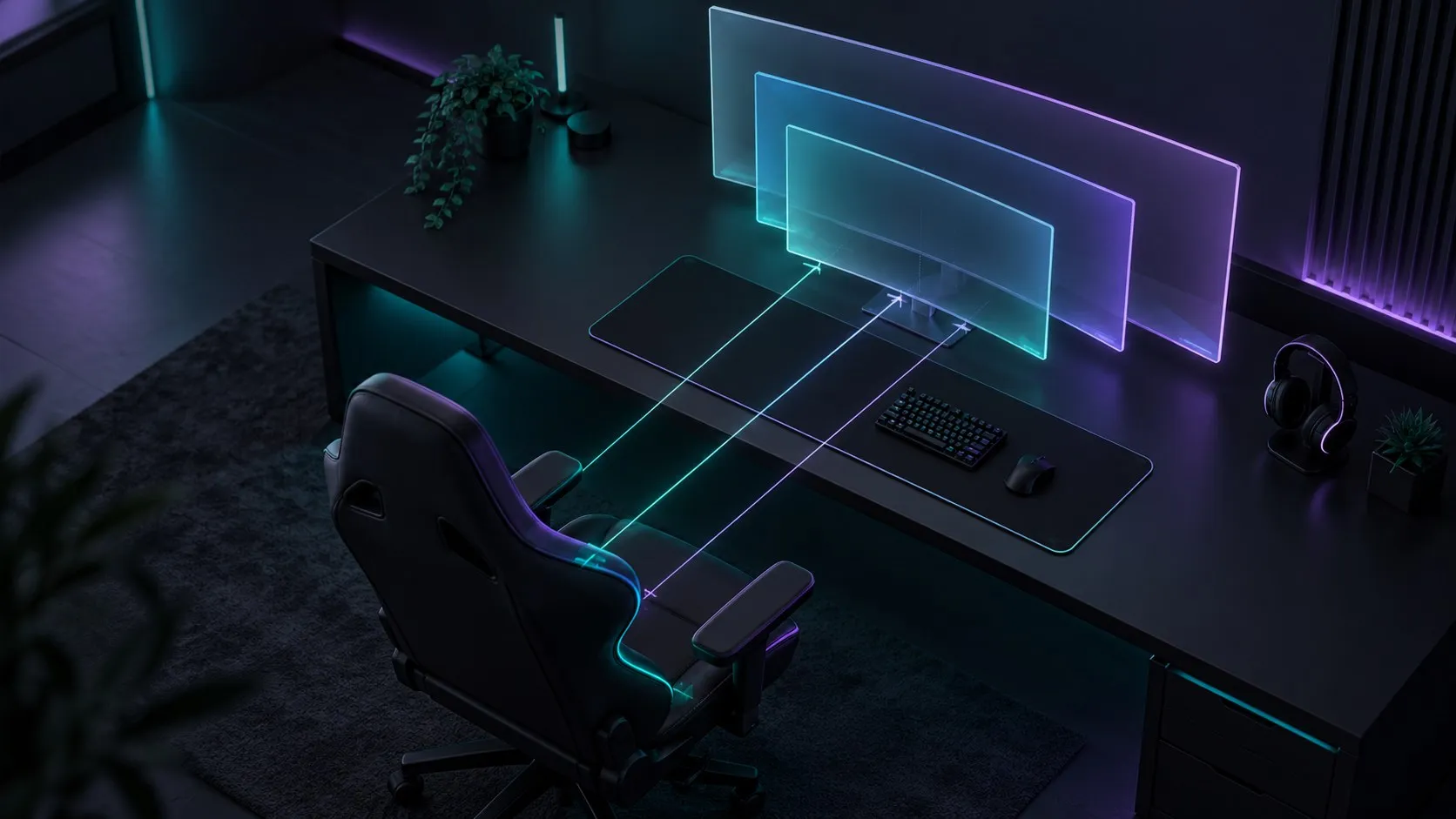
Measure the distance from where your eyes are when you sit normally to where the screen would be. Desk depth is a proxy, but the real number is eye-to-screen distance, which a monitor arm or a deeper stand can change.
As a practical rule of thumb:
- Shallow desks or a close seating position: 24 to 27 inches.
- Typical desks: 27 inches is the flexible middle.
- Deep desks, or a monitor arm that pushes the screen back: 32 inches and ultrawides become comfortable.
Comfort is the test: you should be able to see the whole screen, including the corners where games put the HUD, minimap and chat, without moving your head.
Match size to resolution
The same number of pixels looks sharper on a smaller screen. Pixel density (pixels per inch, PPI) tells you how sharp a size-and-resolution combination will look:
| Size | 1080p | 1440p | 4K |
|---|---|---|---|
| 24-inch | ~92 PPI | ~122 PPI | ~184 PPI |
| 27-inch | ~82 PPI | ~109 PPI | ~163 PPI |
| 32-inch | ~69 PPI | ~92 PPI | ~138 PPI |
How to read it:
- 24-inch 1080p (~92 PPI) is the long-standing baseline that most people find acceptable at desk distance.
- 27-inch 1080p (~82 PPI) is where many people start to see visible pixels and softer text. At 27 inches, 1440p is the common sweet spot.
- 32-inch 1440p (~92 PPI) has about the same density as a 24-inch 1080p screen: fine for games, softer for text. At 32 inches, 4K makes a clear difference.
Remember the GPU cost of higher resolutions. Our 1440p vs 4K guide explains it.
Match size to what you play
Competitive shooters and esports: many competitive players prefer 24 to 27 inches. The whole screen stays in your central vision, so you see threats and HUD information without scanning. Pair it with a high refresh rate; see our refresh rate explainer.
Single-player, open-world and cinematic games: a larger screen at 27 to 32 inches, or an ultrawide, adds immersion, and you’re rarely punished for glancing to a corner.
Mixed use (gaming plus work): 27-inch 1440p or 32-inch 4K gives you more usable desktop space for windows side by side.
What about ultrawide?
Ultrawide monitors (typically 21:9, such as 34-inch 3440×1440) give a wider field of view in games that support it, and a lot of horizontal space for work. Know the tradeoffs before buying:
- Not every game supports ultrawide properly. Some show black bars on the sides, and some competitive games limit the field of view to keep things fair.
- 3440×1440 has about 34% more pixels than standard 1440p, so it’s more demanding on your GPU.
- It needs a deeper desk, or a curved panel, to keep the edges comfortable to see.
Quick decision check
- Measure your eye-to-screen distance. Close → 24 to 27 inches. Farther, or using an arm → 27 to 32 inches or ultrawide.
- Pick the resolution with the size. 24-inch → 1080p or 1440p. 27-inch → 1440p. 32-inch → 4K.
- Check your GPU can drive it at the refresh rate you want. If not, see monitor or GPU first.
- Weight by genre. Competitive → smaller and faster. Immersive → bigger or wider.
For the rest of the decision (panel type, HDR, ports), start from our gaming monitor buying guide.
Sources
Facts in this guide were checked against these pages in October 2026:
- Best 27-inch monitors (RTINGS: size and viewing-distance considerations)
- Pixel counts and pixels-per-inch figures are calculated from each resolution and screen diagonal.