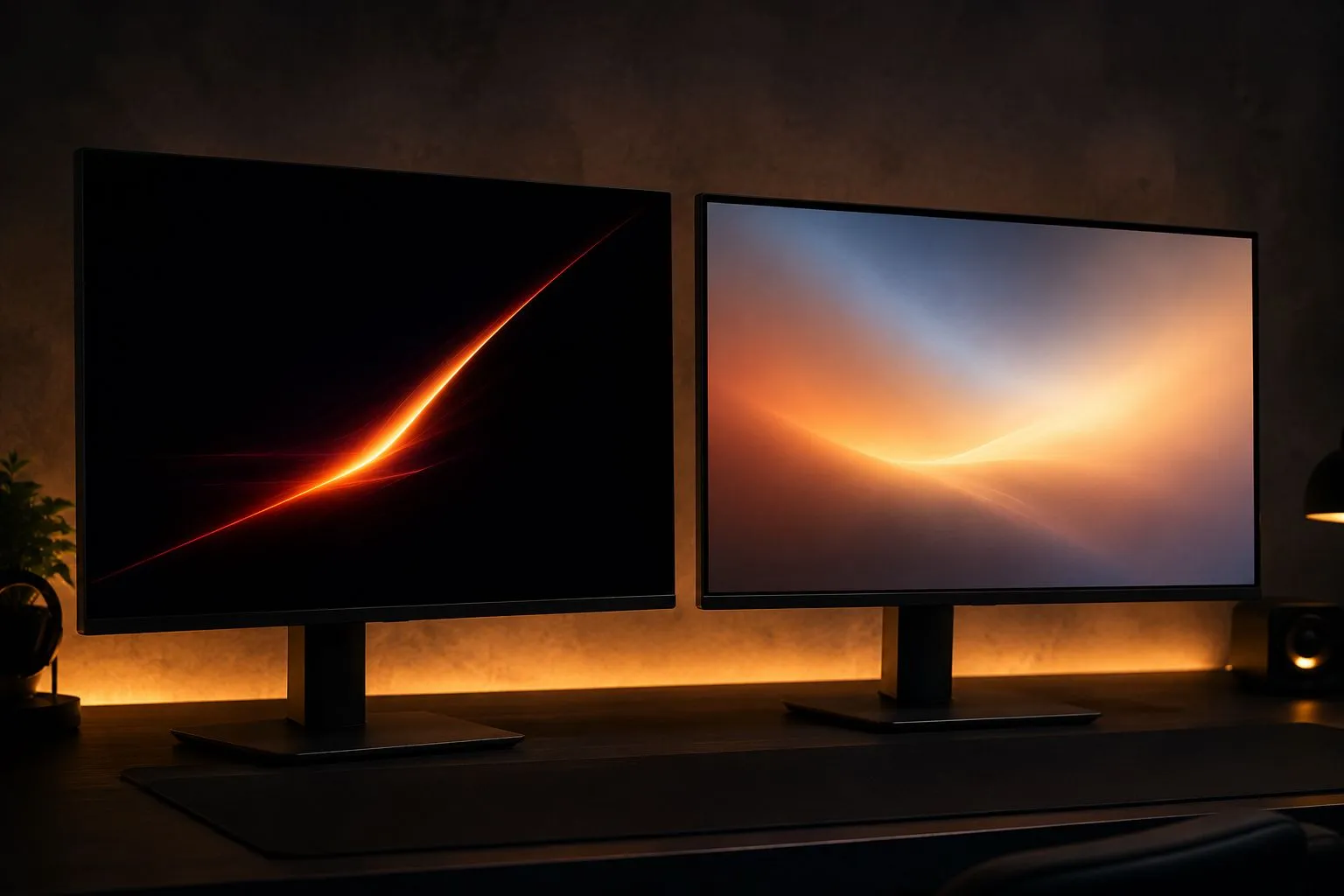
Panel type is where a lot of monitor shopping quietly stalls. You’ve narrowed things down to a resolution and a refresh rate, and then you hit two options that look almost identical on paper, one OLED, one IPS, with a price gap that doesn’t seem to match how similar the spec sheets read. The honest answer is that the difference is real, it’s just not the same difference for everyone.
What actually differs
OLED and IPS solve the same problem, turning pixels on and off to draw an image, in fundamentally different ways, and that’s where most of the practical differences come from.
OLED panels are self-emissive: each pixel produces its own light and can switch off completely. That’s why OLED contrast and black levels are in a different category from LCD-based panels like IPS. There’s no backlight bleeding through a “black” pixel, because there’s no backlight involved in the first place. Response time follows a similar pattern; without a backlight and liquid-crystal layer to coordinate, OLED pixels typically switch state faster than an equivalent IPS panel.
IPS panels rely on a backlight shining through a layer of liquid crystals, with the crystals twisting to let more or less light through per pixel. That’s the source of IPS’s weaker true blacks, since a fully “off” pixel is still sitting in front of a backlight, but it’s also why IPS panels have historically been easier to push to very high sustained brightness, since the backlight isn’t limited by the same electrical constraints as self-emissive OLED subpixels.
Where OLED wins clearly
If contrast and motion clarity are what you actually notice during play, dark scenes losing shadow detail, or fast motion smearing, OLED’s advantages show up immediately and consistently. This matters most for atmospheric, dark-heavy single-player games and for fast-paced competitive titles where clean motion is a real gameplay factor, not just a nice-to-have.
Where IPS is still the better choice
IPS remains the more sensible choice when your budget is the primary constraint, when the monitor spends real time on static desktop content (documents, spreadsheets, browser windows) alongside gaming, or when you specifically need very high sustained brightness for a bright room. None of those are compromises in the “worse but cheaper” sense. They’re genuine strengths for a specific use pattern.
The burn-in question, honestly
Burn-in, permanent image retention from static content displayed for long periods, is a real, documented characteristic of OLED technology, not an outdated myth. Manufacturers have shipped pixel-shifting, screen-saver, and panel-refresh routines specifically to mitigate it, and modern OLED gaming monitors are meaningfully more resistant to it than older OLED TVs were. But “more resistant” isn’t “immune.”
If your monitor will spend hours a day showing a mostly-static desktop, taskbar, or UI (a common pattern for anyone using the same screen for work and gaming), that’s a genuinely different risk profile than a monitor used almost exclusively for full-screen games with constantly changing content. Be honest with yourself about which pattern describes your actual use before deciding burn-in risk doesn’t apply to you.
Price-to-value at different budgets
At the entry level, IPS is almost always the more sensible spend. You get more consistent brightness and a lower burn-in-risk profile for less money, and the contrast gap matters less when you’re also making other compromises. In the mid-to-upper range, where both technologies are realistic options at a similar price point, the decision comes down less to “which is objectively better” and more to which tradeoffs actually apply to how you use the monitor.
A simple decision framework
Ask yourself, in order:
- Does the monitor spend significant time on static content? If yes, and you’re not willing to actively manage burn-in risk (screen savers, brightness limits, taking breaks from static UI), lean IPS.
- Is dark-scene detail or motion clarity something you’d actually notice, or a spec-sheet number? If it’s something you’d genuinely notice in the games you play, that’s a real point in OLED’s favor.
- Is your budget the binding constraint? If so, IPS gets you further per dollar right now.
- Is the room very bright, with limited control over ambient light? IPS’s sustained-brightness advantage matters more here.
None of these questions has a universally correct answer, and that’s the point. The right panel type is the one that matches how you’ll actually use the monitor, not the one with the more impressive contrast ratio on a spec sheet.
The same “bigger number isn’t automatically better” logic applies just as much to refresh rate as it does to panel type, so it’s worth working through both before you buy.
Sources
Facts in this guide were checked against these pages in October 2026: